How to Password Protect a PDF File in 3 Simple Steps
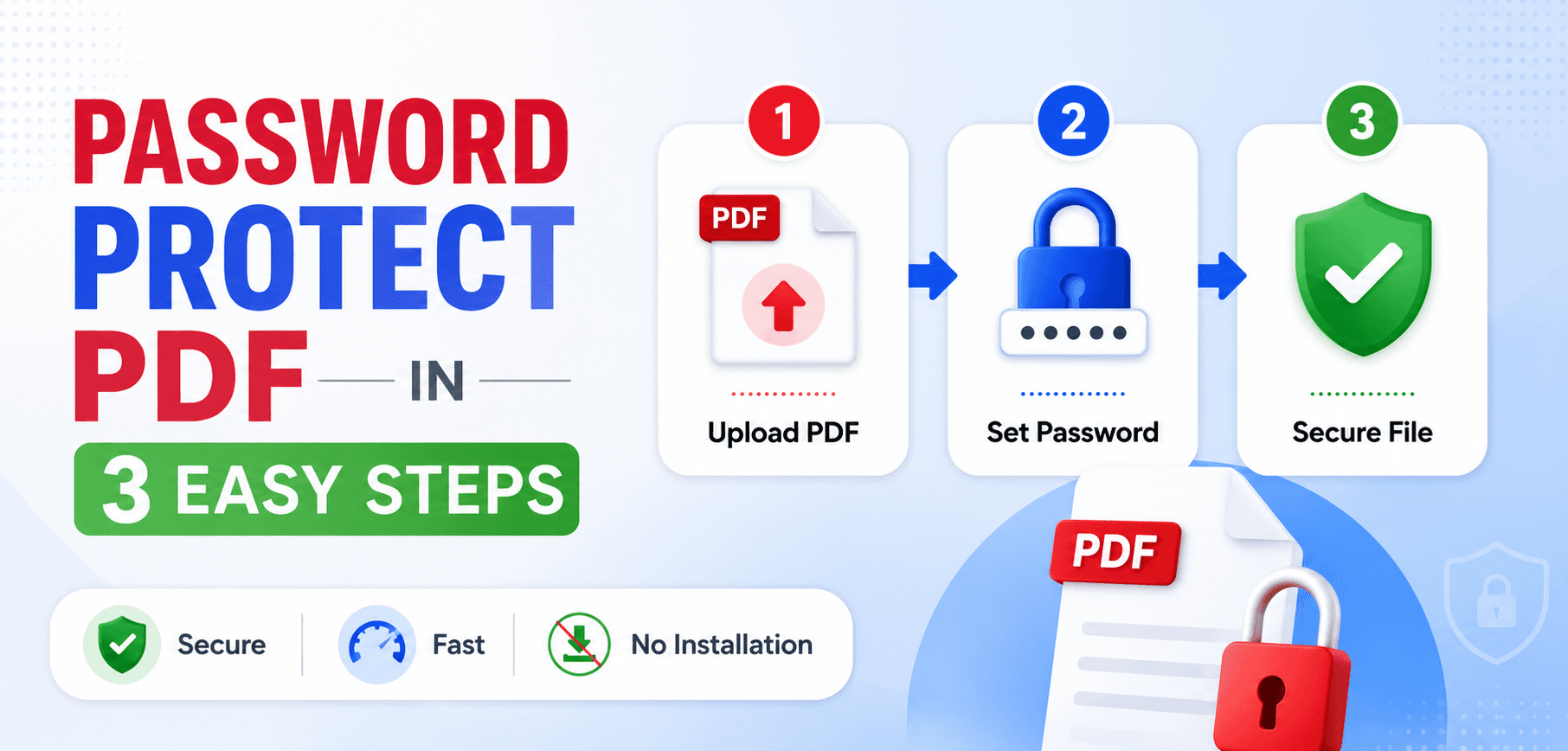
In an era of rampant data breaches and intercepted communications, sending an unsecured PDF containing sensitive information is a massive liability. Whether you are transmitting financial statements, legal contracts, medical records, or proprietary business plans, password protecting your PDF is not just recommended—it's often a legal requirement under frameworks like HIPAA and GDPR.
But not all passwords are created equal. In this comprehensive guide, we will unpack the mathematics behind PDF encryption, differentiate between "Open" and "Permissions" passwords, and show you precisely how to lock down your documents using military-grade AES-256 encryption.
1. The Two Types of PDF Passwords
Before you secure a document, you must understand that the PDF specification (ISO 32000-1) defines two completely distinct security tiers. Many users confuse them, leading to a false sense of security.
User Password (Open Password)
This is the absolute lock. When you apply a User Password, the entire binary contents of the PDF are scrambled using an encryption cipher. When someone double-clicks the file, the PDF viewer immediately halts and demands a password. Without the exact string of characters, the file is literally unreadable garbage data.
Owner Password (Permissions)
This password dictates what a user can do after opening the file. The file opens normally, but features are greyed out. You can restrict printing, copying text to the clipboard, filling out forms, or adding comments. You need the Owner Password to lift these restrictions.
2. Understanding Encryption (RC4 vs. AES)
Applying a password is useless if the underlying encryption is weak. Older PDFs used 40-bit or 128-bit RC4 encryption. Today, RC4 is considered cryptographically broken. A modern computer can brute-force a 40-bit RC4 PDF in seconds.
When you use our Protect PDF Tool, we utilize AES-256 bit encryption. This is the exact same cryptographic standard utilized by the U.S. government to protect Top Secret data, banks to secure financial transactions, and militaries worldwide.
Fun Fact: To brute-force an AES-256 encryption key, even if you had a supercomputer capable of checking a billion billion (10^18) keys per second, it would take longer than the current age of the universe to exhaust all possibilities.
3. Best Practices for Generating Passwords
AES-256 encryption is impenetrable, which means the only weak link is the password itself. If you set your password to "password123", a hacker doesn't need to break the AES math; they just try common dictionary words until the file unlocks.
- Length is King: Every character you add exponentially increases security. Aim for 12+ characters.
- Use Passphrases: "CorrectHorseBatteryStaple!" is much harder to crack than a short string of random letters, and vastly easier to remember.
- Avoid Personal Data: Never use company names, birthdays, pet names, or local sports teams.
- Use a Password Manager: Tools like 1Password or Bitwarden can generate and store 20-character random strings effortlessly.
WARNING: Zero Knowledge Architecture
SmartPDFs Pro utilizes a Zero-Knowledge architecture. We do not store, log, or have access to the passwords you create. If you forget your password, we cannot help you recover the file. The data is mathematically lost forever. Keep a secure backup!
4. How to Legitimate Remove Passwords
Have you ever locked a PDF, sent it to a client, and then later needed to combine it with another document, only to find the password prevents merging? You can easily strip the encryption using our Unlock PDF Tool.
Note on Ethics and Legality: An unlocker tool is NOT a hacking tool. To remove a User Password, you must supply the tool with the correct password once. It then rewrites the PDF without the AES encryption layer. This tool is designed exclusively for document owners who wish to remove legitimate locks from their own files.
Frequently Asked Questions
Are my files uploaded to a server when I protect them?
With SmartPDFs Pro, your files are encrypted locally in your web browser using WebAssembly. The unencrypted document never leaves your computer, ensuring absolute privacy.
Can a hacker bypass a User Password without guessing it?
If the PDF uses 128-bit or 256-bit AES encryption (which our tool utilizes), bypassing the password is mathematically impossible given current computing power. They must guess the password.
Can permissions (Owner Passwords) be bypassed?
Yes. Unlike User Passwords which encrypt the entire file, Owner Passwords simply flip a "flag" in the PDF metadata telling the viewer (like Adobe Acrobat) to restrict printing or copying. Some third-party PDF viewers ignore these flags entirely, allowing copying anyway. For true security, always use a User (Open) Password.
Will password protecting a file change its visual quality?
No. Encryption is a mathematical operation applied to the binary code. It does not alter, compress, or degrade the visual quality, fonts, or images within the PDF.
Ready to secure your documents?
Lock down your sensitive PDFs with unbreakable AES-256 bit encryption directly in your web browser.