How to Redact PDF — Hide Sensitive Information Securely
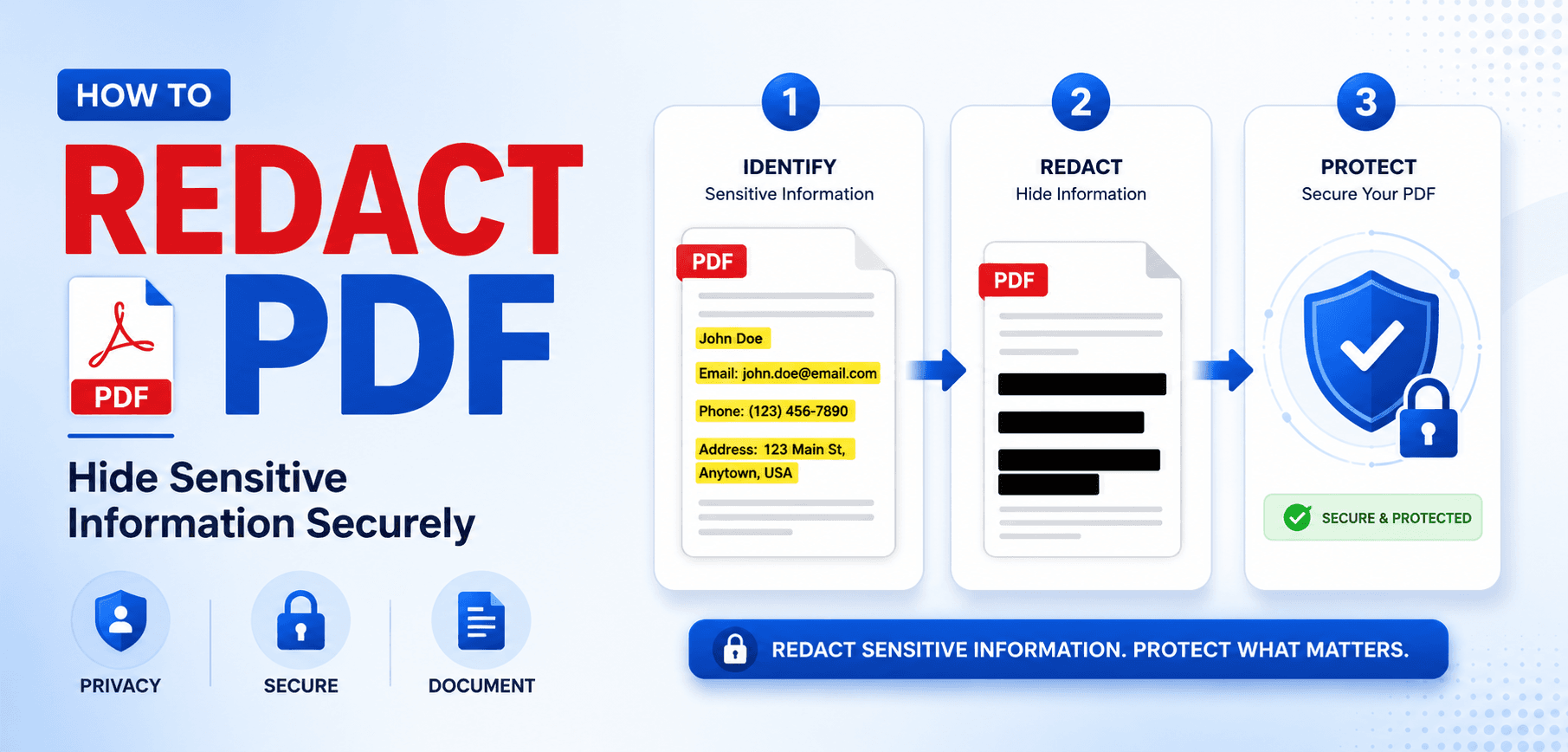
Every year, journalists, lawyers, and government agencies make front-page news for the exact same catastrophic mistake: improperly redacting a PDF. They draw a black box over a Social Security Number or a confidential informant's name, save the file, and publish it online. Within minutes, anyone can simply highlight the black box, copy the text, and paste the hidden secrets into Notepad.
Why does this happen? Because PDFs operate on a system of layers. Drawing a black shape over text simply adds a new visual layer on top of the existing text layer. In this guide, we will expose the vulnerabilities of pseudo-redaction, explain how proper PDF redaction algorithms actually scrub the binary code, and show you how to securely redact your files for good.
1. The Anatomy of a PDF Leak
To understand redaction failure, you have to understand PDF rendering. A PDF is a collection of objects drawn onto a digital canvas. The text "CONFIDENTIAL: John Doe" is an object. If you use a basic PDF editor to draw a black rectangle over "John Doe", you have simply added a new object to the end of the file.
When a user opens the PDF, the viewing software draws the text first, and then draws the black box over it. But the text object is still perfectly intact in the file's binary code. Anyone can use the "Select Text" cursor in Adobe Acrobat, highlight the entire line (including the black box), and copy it to their clipboard.
Real World Disaster
In 2019, lawyers for Paul Manafort filed a severely redacted PDF in federal court. Unfortunately, they had simply drawn black boxes over the text. Journalists downloaded the public court filing, copied the black boxes, and pasted them into a text editor, revealing highly sensitive grand jury information that dominated the news cycle for weeks.
2. How True Redaction Actually Works
True redaction is a destructive process. It is not an "undoable" overlay. When you use a professional PDF Editor to redact information, the software performs a complex algorithmic operation:
Vector Slicing
The redaction engine locates the exact coordinates of the blackout box. It then scans the PDF for any text objects, images, or vector paths that intersect with those coordinates.
Permanent Deletion
Instead of covering the text, it mathematically deletes those specific characters from the PDF's internal cross-reference table. It essentially burns a hole through the document data. The text is gone forever.
3. The Hidden Threat: PDF Metadata
Even if you perfectly redact the visible text on the page, you might still leak sensitive information. PDFs contain hidden metadata streams (XMP data) designed for search engines and document management systems.
If you used a template file titled "Confidential_Merger_Agreement_CorpA_CorpB.docx" to generate the PDF, that exact string might be embedded in the hidden Title or Subject metadata fields. Before distributing any redacted file, you must run it through a Metadata scrubber to wipe the Author, Subject, Keywords, and Creation Date fields.
4. Can I Just "Print to PDF"?
A common hack to flatten a PDF (and seemingly bake-in the black boxes) is to use the "Print to PDF" function. You open the badly-redacted file, choose "Print", and select "Save as PDF" instead of a physical printer.
Does this work? Sometimes, but it is incredibly risky. Some Print-to-PDF drivers actually preserve the text layer to keep the file searchable. The only 100% foolproof hack using this method is to print the document to physical paper, take a black sharpie to it, and scan it back into the computer as an image. But why waste time and paper when you can use cryptographic redaction software?
Frequently Asked Questions
Can a redacted PDF be unredacted?
If redacted properly using structural deletion, no. The text data is permanently erased from the file structure. If redacted improperly by drawing a shape over it, anyone can simply copy the text underneath or use software to delete the shape.
Does saving a PDF as an image (JPG/PNG) securely redact it?
Yes! Converting a PDF to a JPG using our PDF to JPG tool flattens all layers into a single grid of pixels. The text is no longer machine-readable text; it is just a picture of black boxes. This is a highly secure workaround.
Is redacting the same as password protecting?
No. Password protection restricts who can open the file. Redaction removes specific sensitive information (like Social Security numbers) so that anyone can safely view the rest of the document.
What should I do if I accidentally sent an improperly redacted file?
Immediately inform your IT security officer or legal counsel. The data should be considered compromised, as anyone who received the file can access the hidden text.
Ensure 100% Secure Redaction
Don't risk a massive data leak. Use our advanced tools to convert, flatten, or encrypt your sensitive documents securely in your browser.